A while back I was interviewing for a contract position and got an unusual question: what’s your favorite accessibility mistake?
Mine, without hesitation, is missing alt tags. It’s such a small thing to fix and such a big thing to ignore.
Accessibility isn’t abstract for me. My son is special needs, and as he gets older and navigates more of the web and more devices on his own, I want that experience to be just as rich for him as it is for anyone else. Alt text is one of the simplest ways developers can make that happen, and it’s one of the most commonly skipped.
The gap I kept running into
There are plenty of alt tag plugins out there already. The problem is most of them only look in one place, the media library, and call it done.
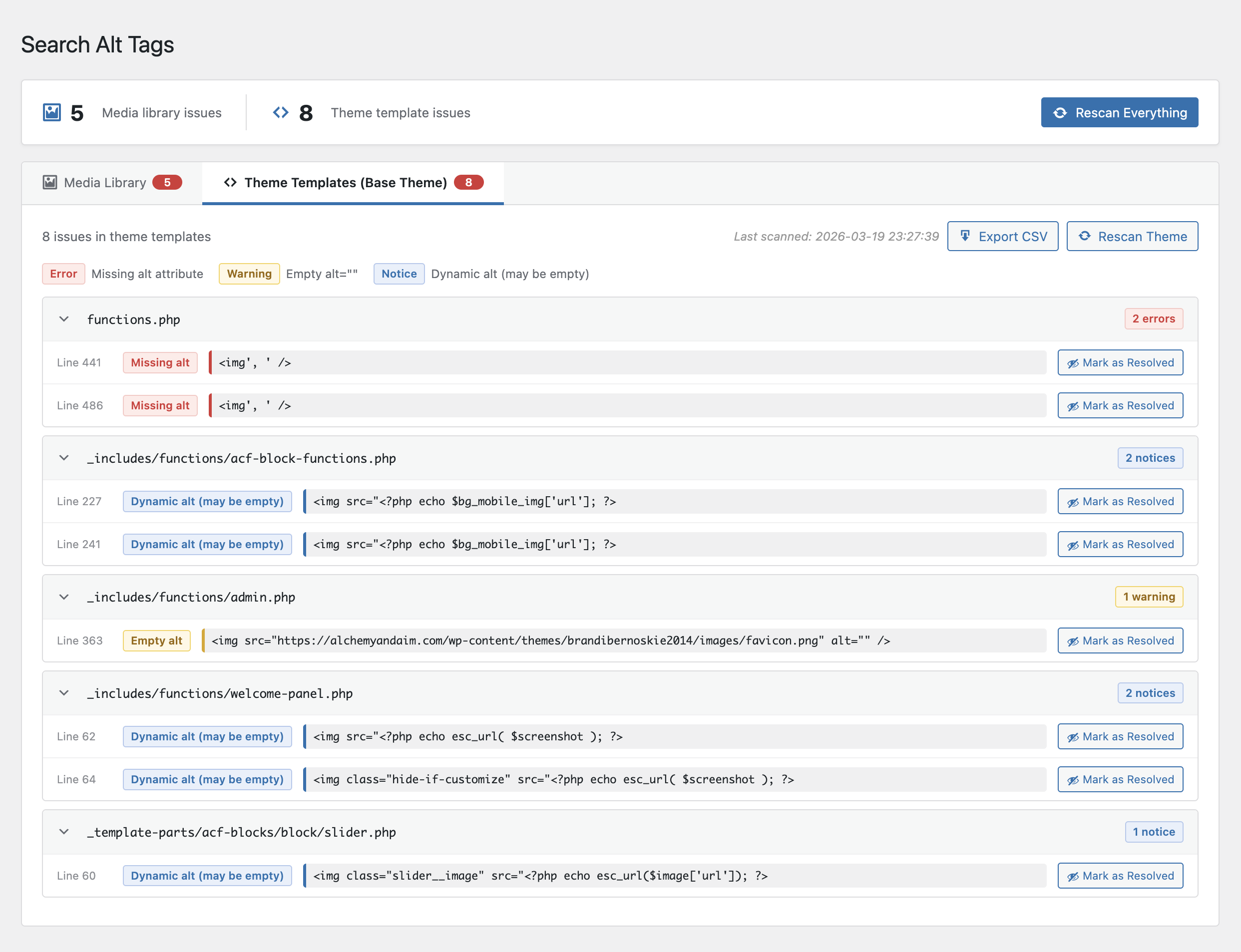
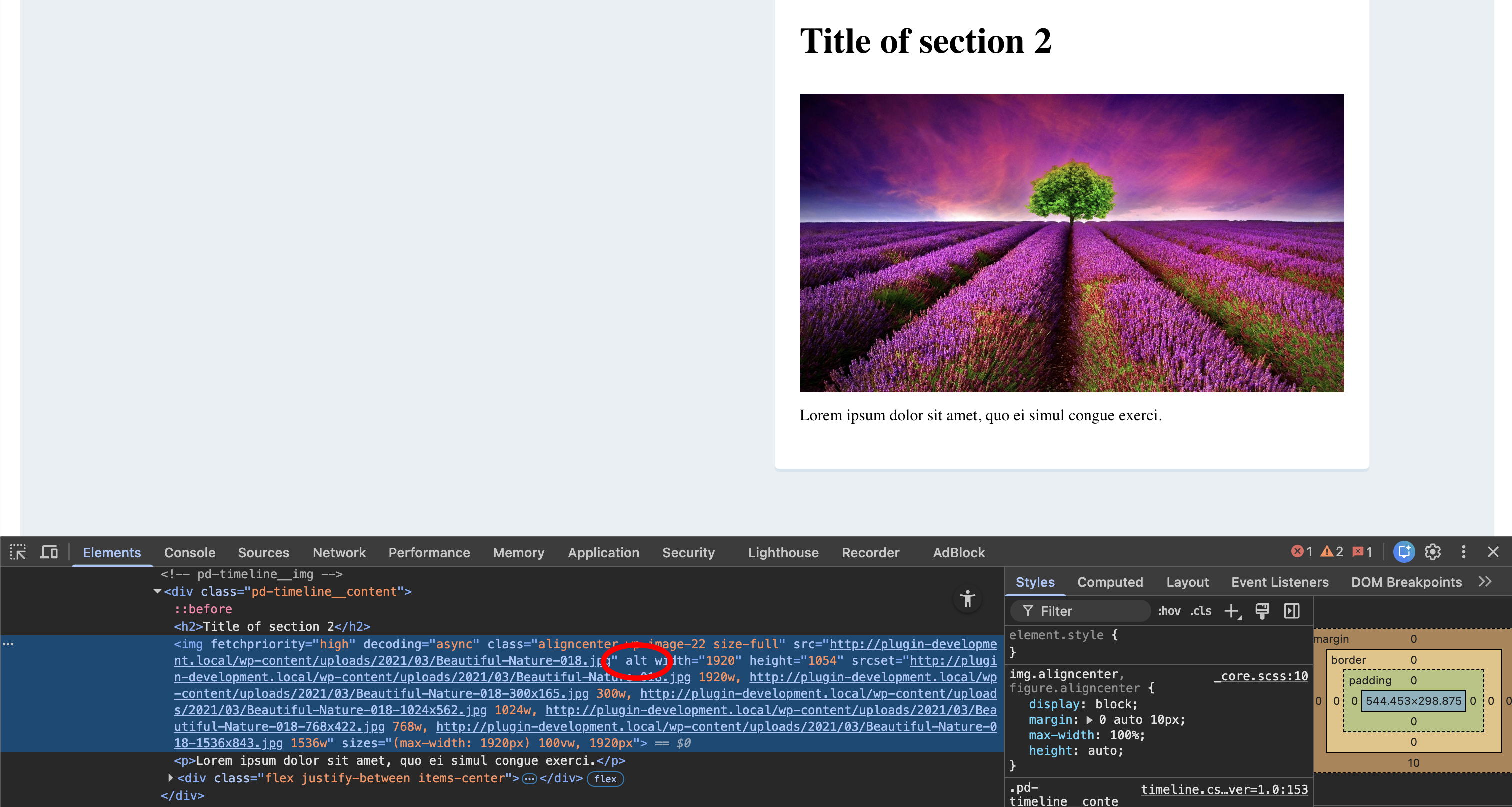
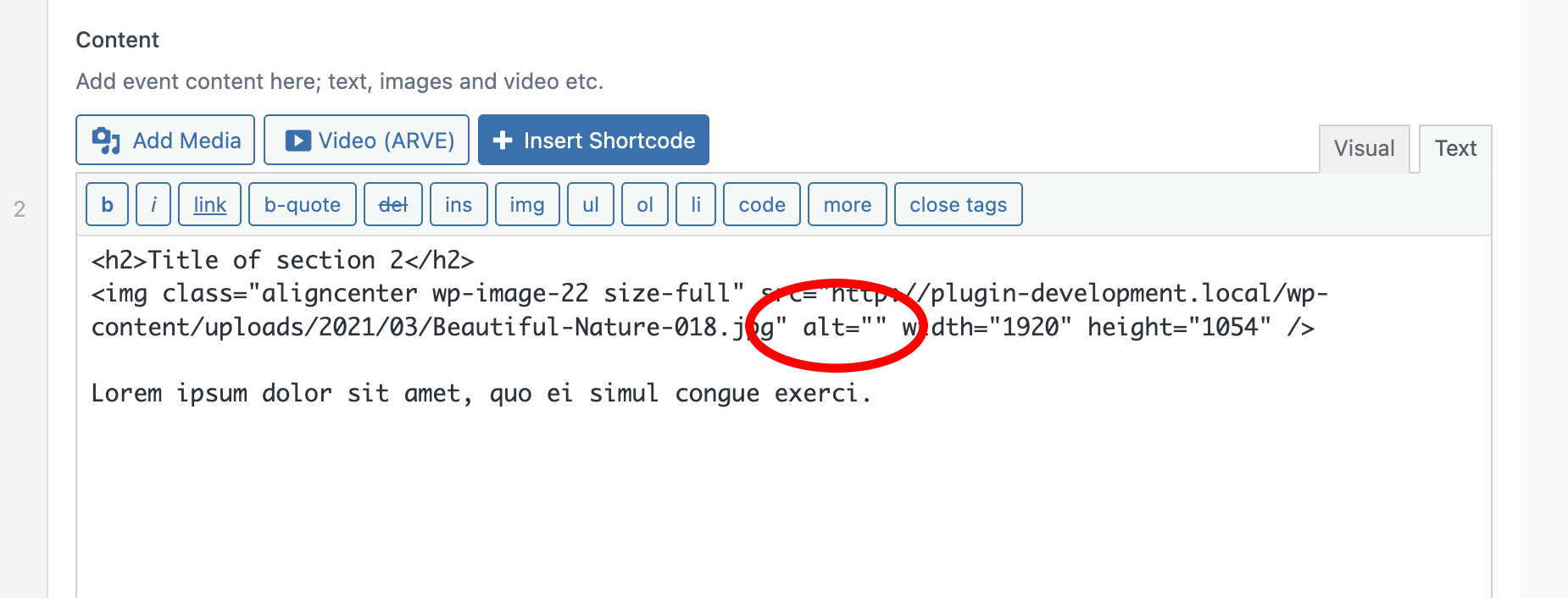
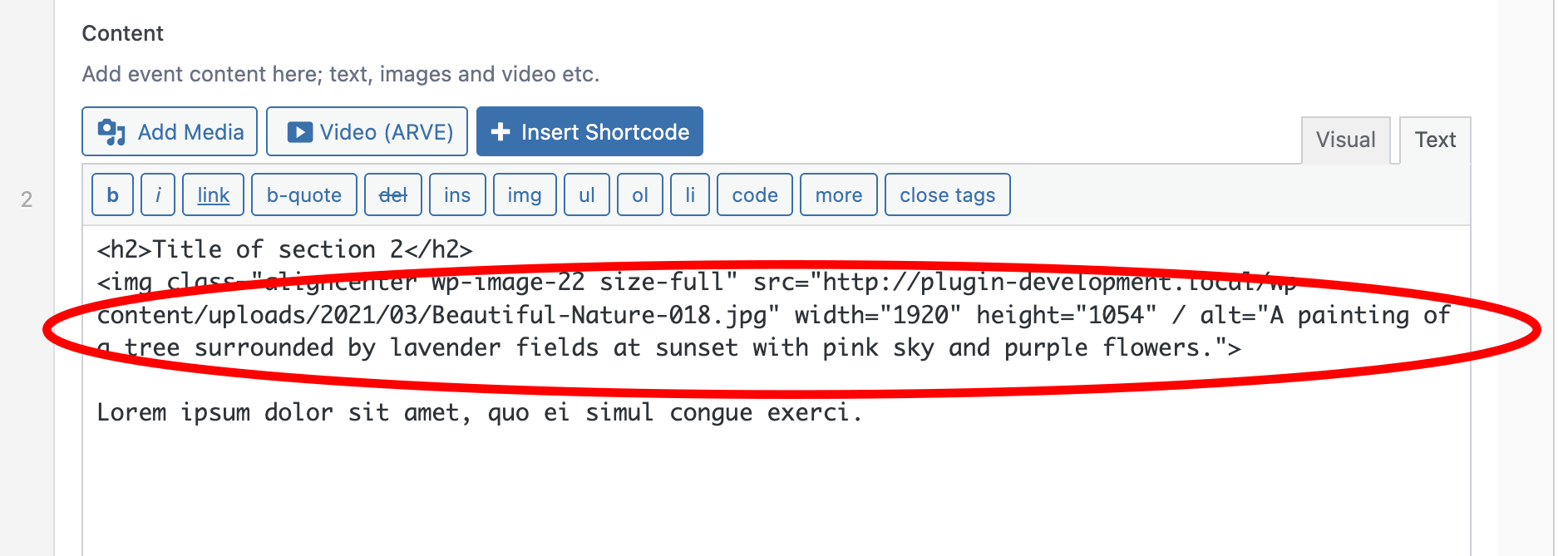
That’s not where missing alt tags actually live. They show up in theme templates where an image tag was hardcoded without one. They show up on pages and posts that were published years ago, sitting in the database with content images that never got a second look. A media library scan alone misses most of the problem.
I wanted something that looked everywhere alt tags could be hiding, not just the obvious spot.
What it does
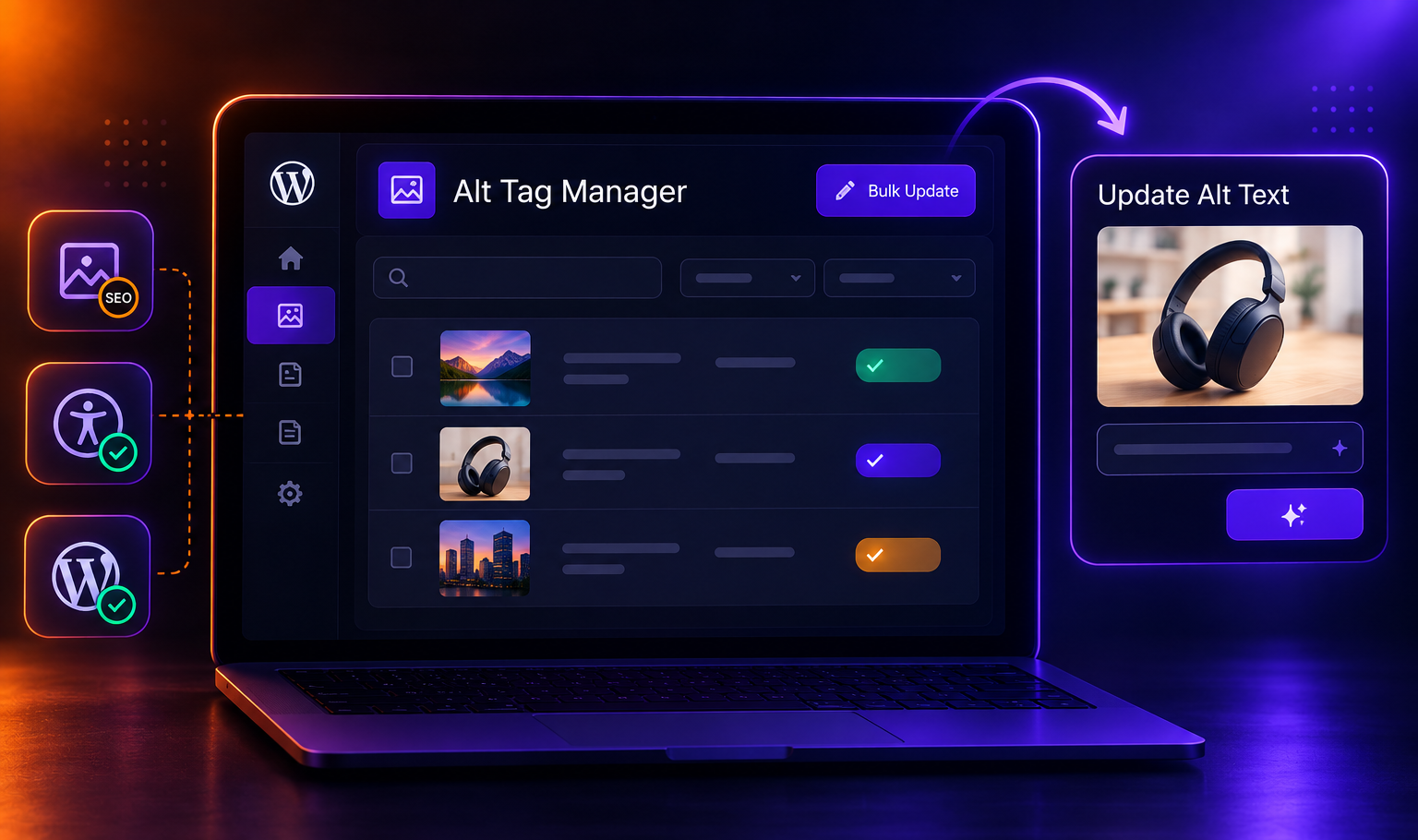
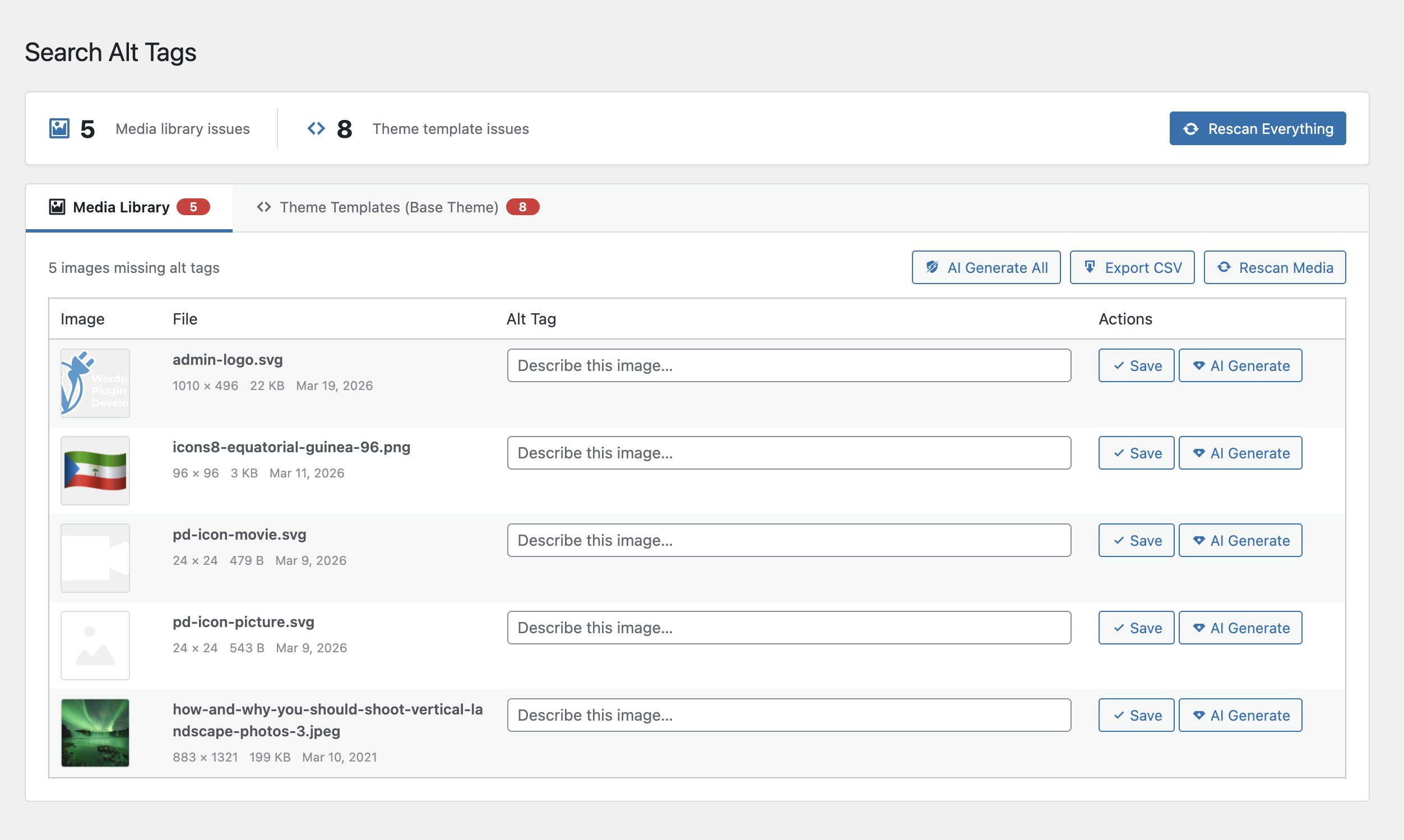
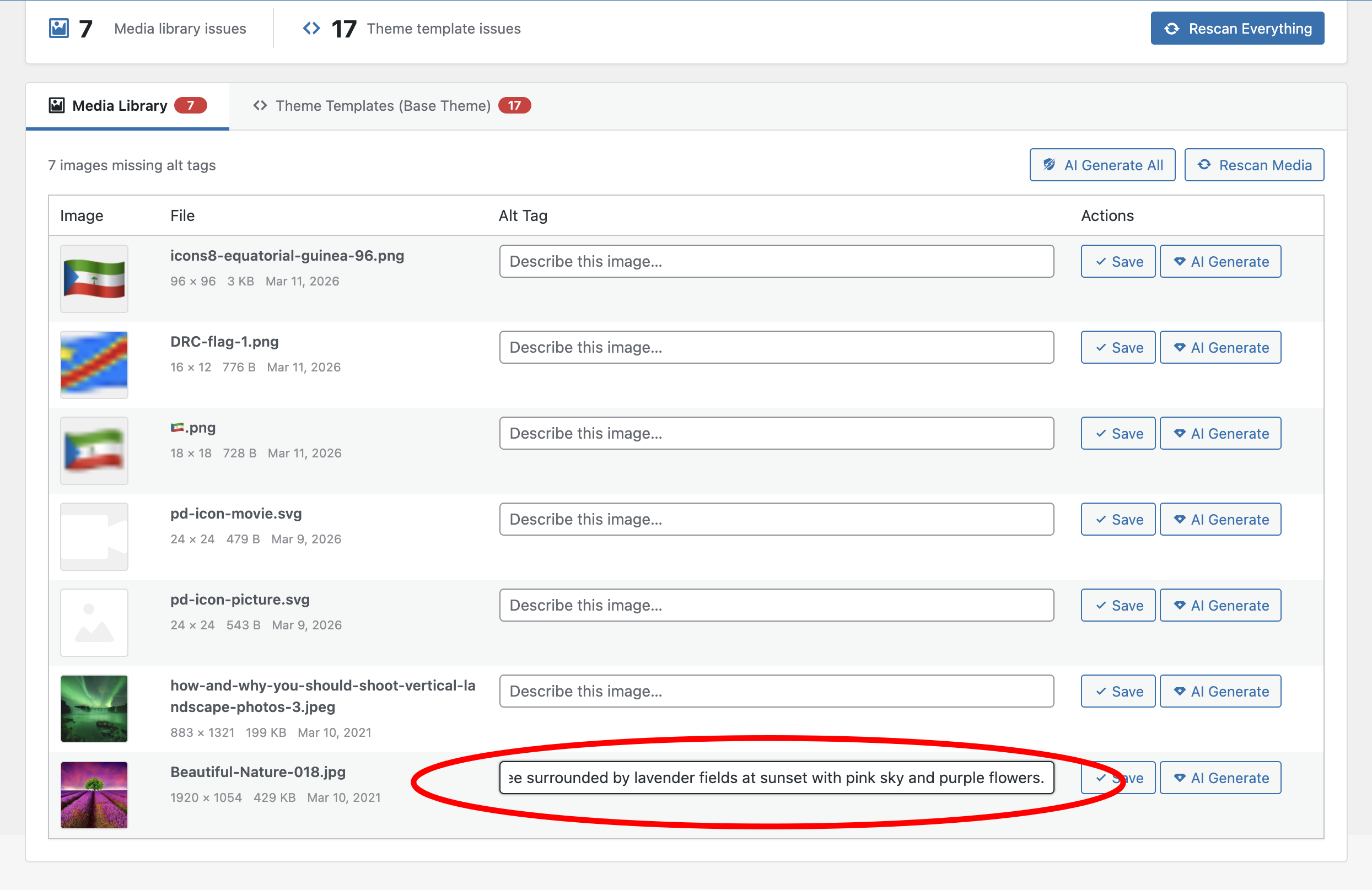
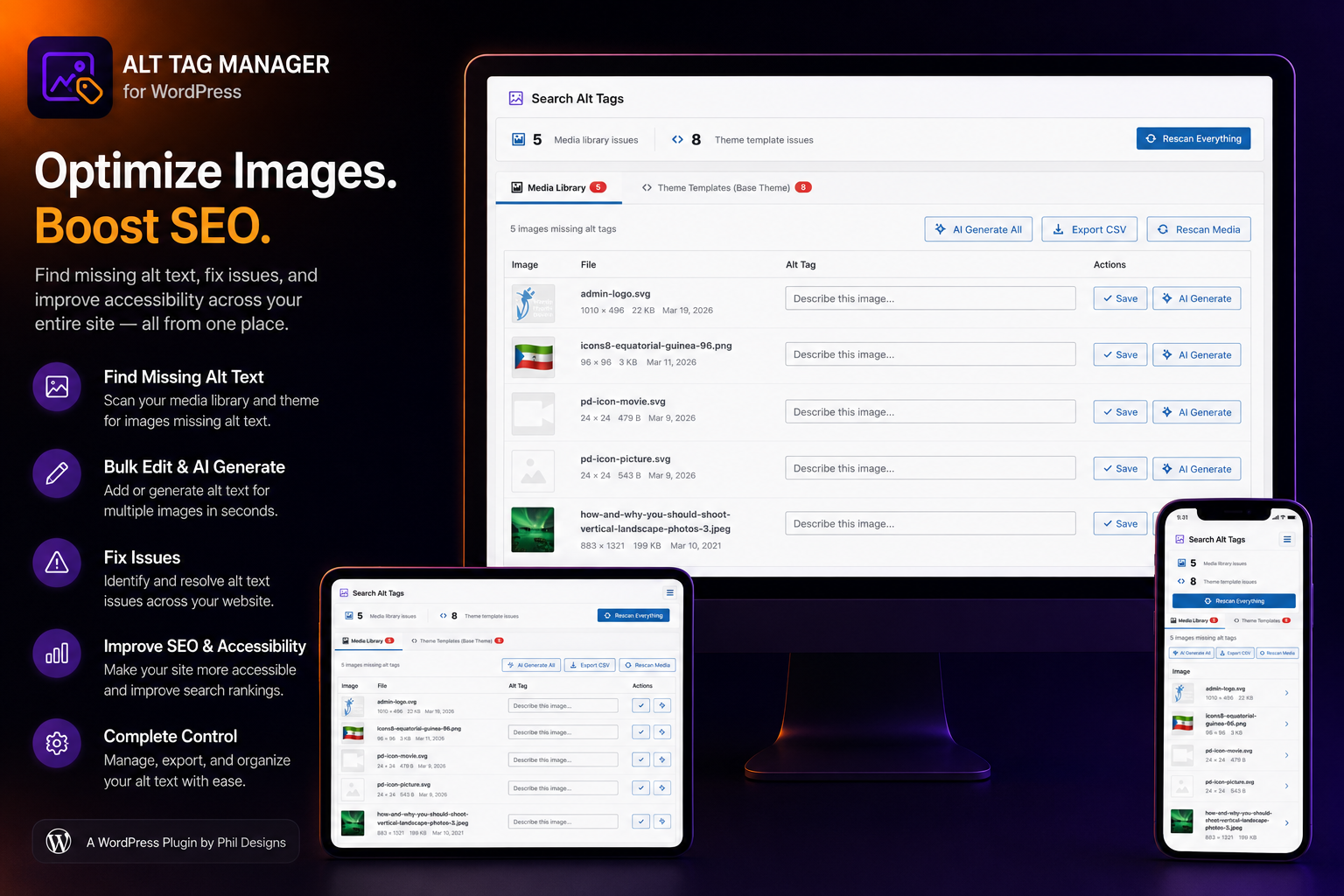
Alt Tag Manager scans your whole site, not just your uploads:
- Full scan of the media library for missing alt tags
- Full scan of your active theme, including parent and child themes, for image tags in the template markup itself
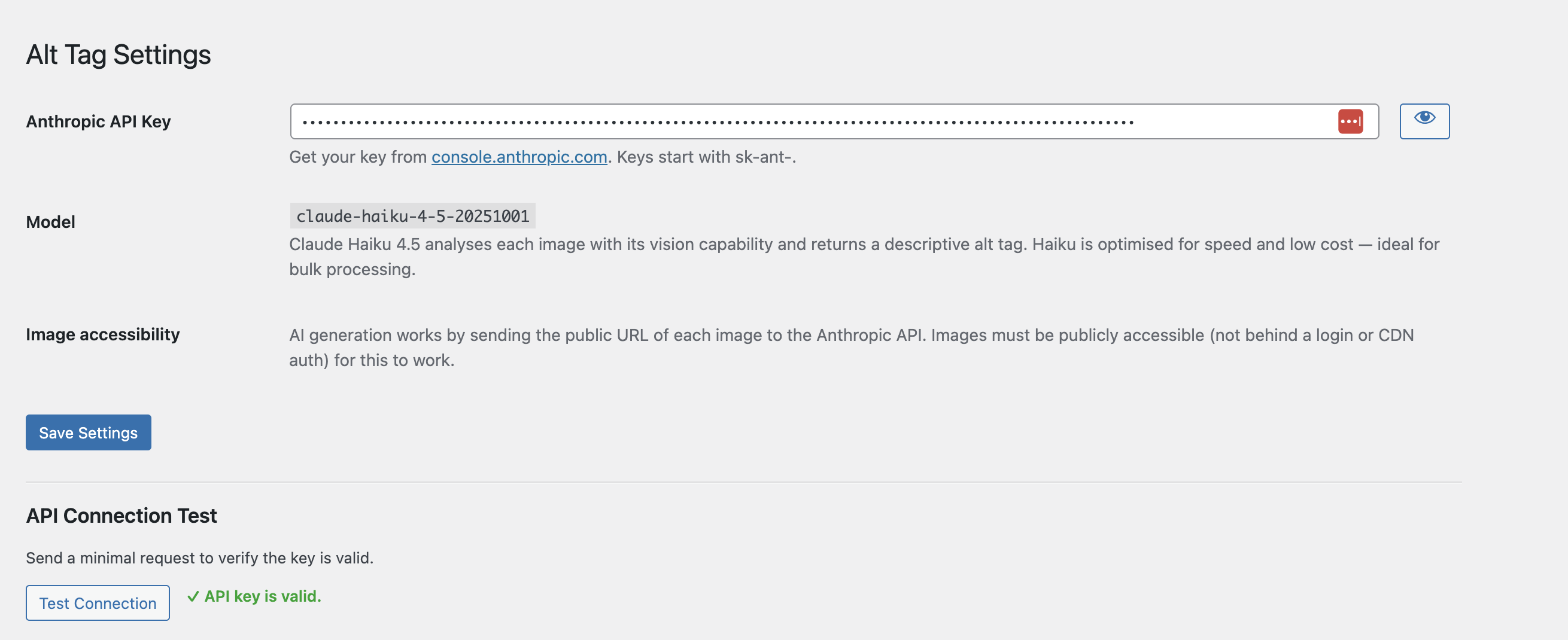
- Add tags manually, generate them with AI one at a time, or run a bulk AI generation pass across everything missing one
- Built-in rate limit protection so a bulk AI run doesn’t get throttled
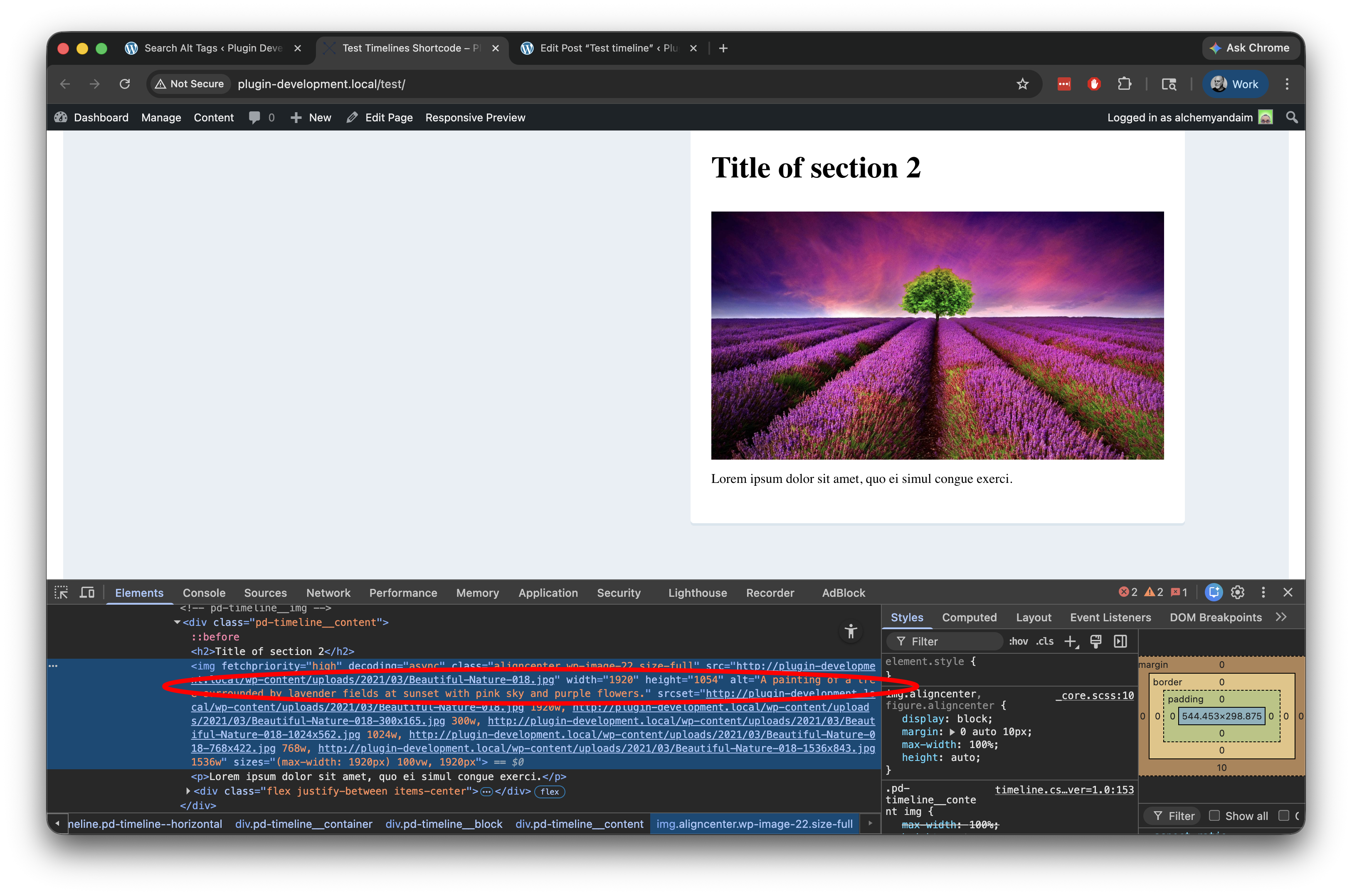
- When you save an alt tag, it syncs across matching image tags in post content, custom post types, and ACF WYSIWYG fields, so you’re not chasing duplicates
- CSV export and import for anyone who wants to review or bulk-edit outside the dashboard
Already caught up? Here’s what to use going forward
Alt Tag Manager is built to clean up what’s already missing. But once you’ve cleared the backlog, the smarter move is to stop new missing alt tags from happening in the first place.
That’s where my friend and fellow developer Andrew Lindstrom comes in. He built EyeDrop, a Mac app that generates AI alt text and embeds it directly into the image file itself. Pair it with his companion WordPress plugin, and any image you upload that’s been through EyeDrop gets its alt text applied automatically, no copying, pasting, or remembering required.
If you’ve used Alt Tag Manager to clear out your backlog, give EyeDrop a look for everything that comes next.
Get it! The plugin is open source and free to use!
Fixing alt tags is one of the cheapest wins in accessibility. This plugin just makes sure you actually find all of them first.
Have a feature request or found a bug? Let me know!