
I am terrible at tracking my own freelance income. There, I said it.
For years my “system” was an Excel doc with a formula I half remembered, a folder of PDFs I generated by hand, and a vague sense of dread every January when I had to add it all up. I’d track my hours in one place, build the invoice in another, and hope the numbers matched by the time I sent it.
And if I needed a client’s phone number or email six months after the project wrapped, I was digging back through old invoice files trying to remember which one had it.
Clean Invoices started as a fix for that exact problem. Nothing more ambitious than “stop losing track of my own money.”
From spreadsheet to system
Once I had the basic invoice builder working inside WordPress, I kept noticing little gaps. I’d finish a project, open my time tracker spreadsheet, copy hours over, then build the invoice separately. Three steps that should have been one.
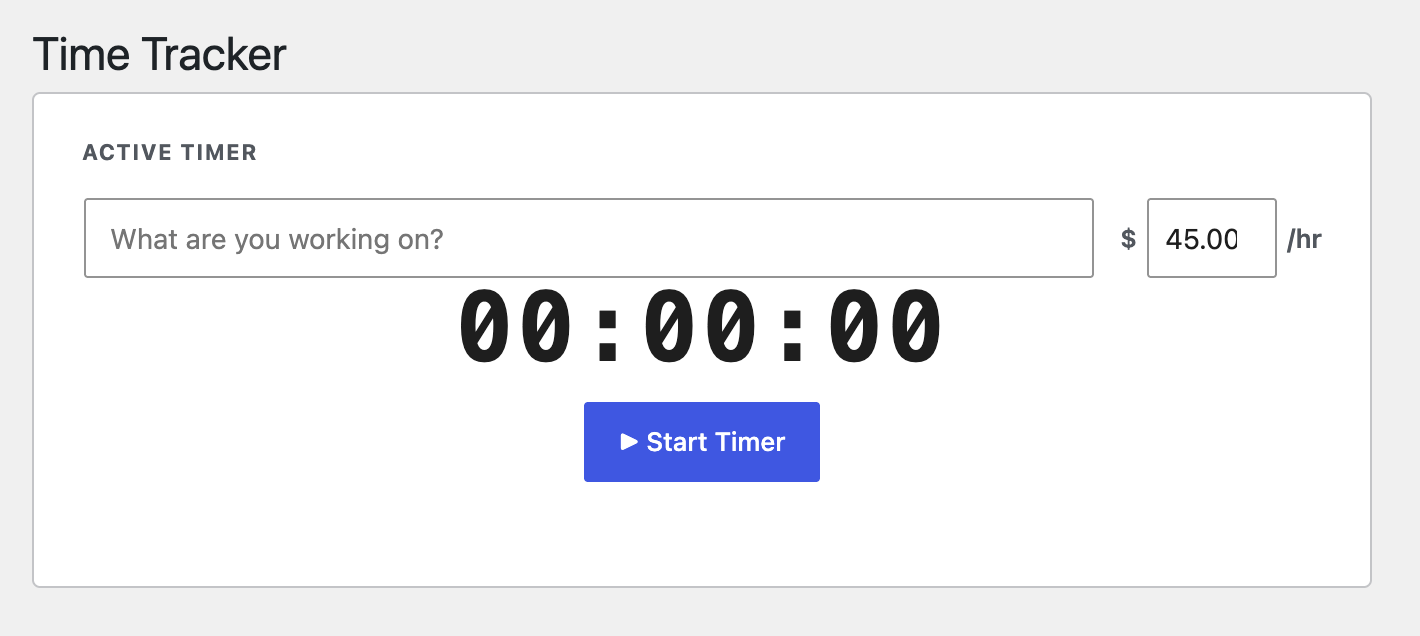
So I added a real time tracker. Start a timer, stop a timer, and send those tracked hours straight onto an open invoice as a line item. No more retyping numbers I’d already typed once.
That became the pattern for the whole plugin: notice the annoying manual step, fold it into the tool, make it intuitive enough that I’d actually use it instead of falling back to old habits.

What it does now
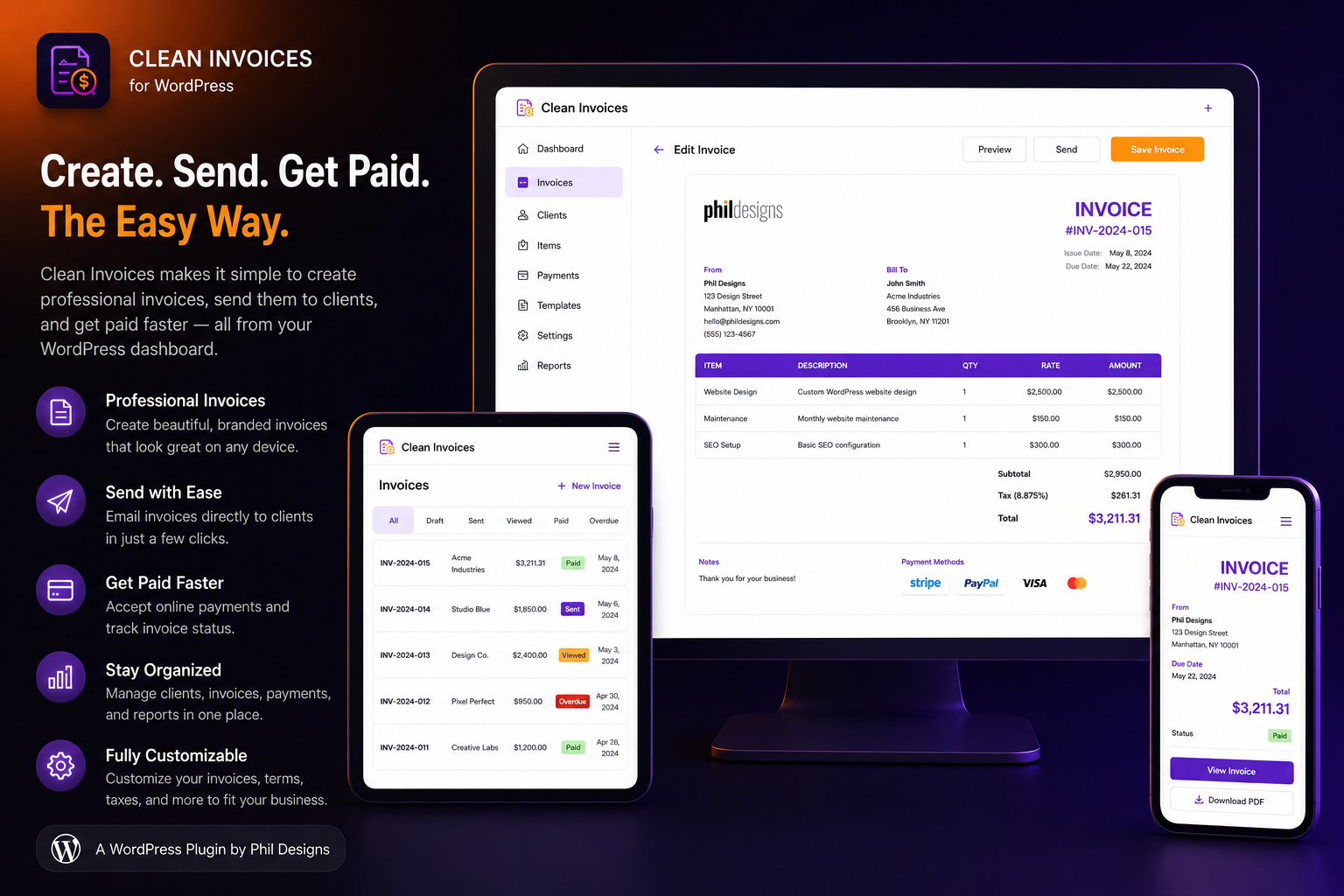
Clean Invoices handles the full billing loop from inside your WordPress dashboard:
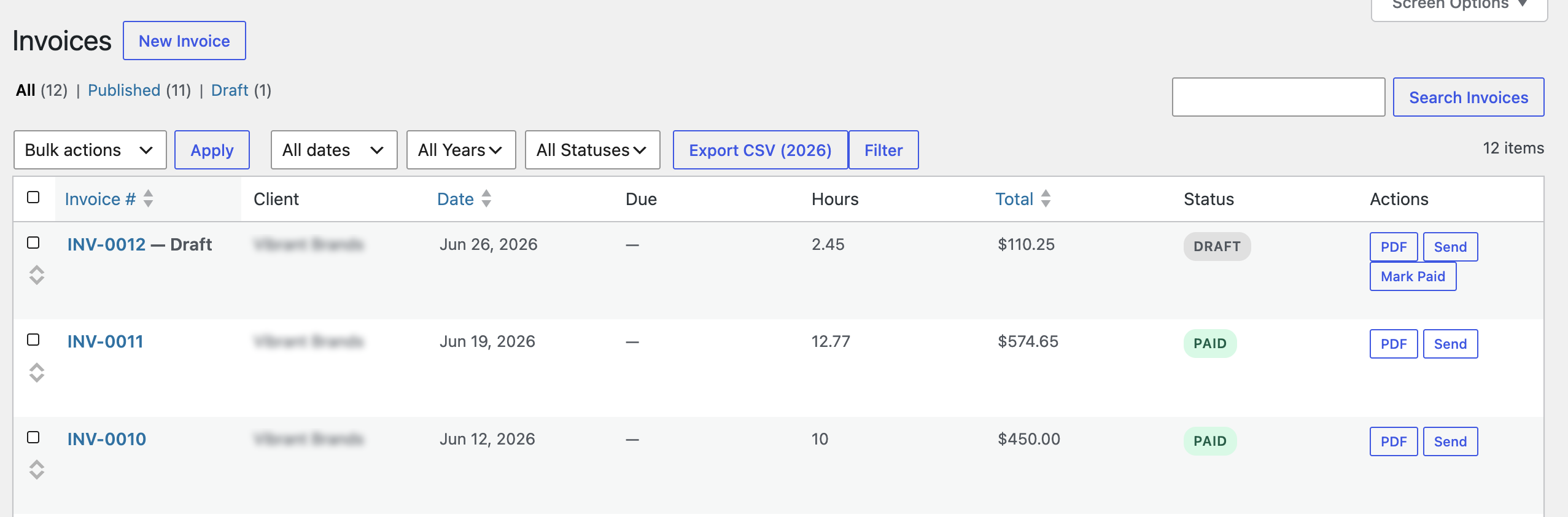
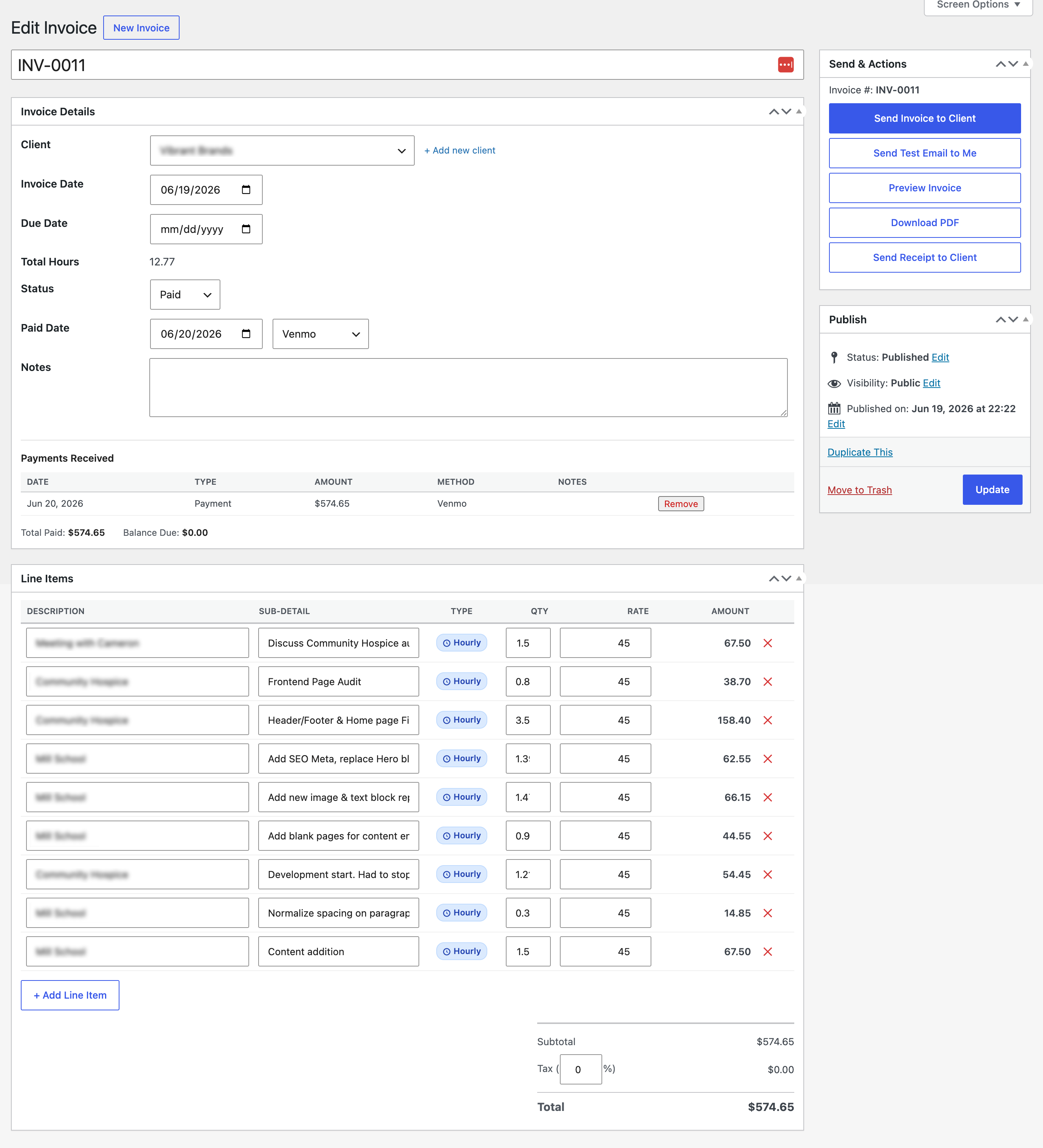
- Build invoices with line items, tax, and optional shipping
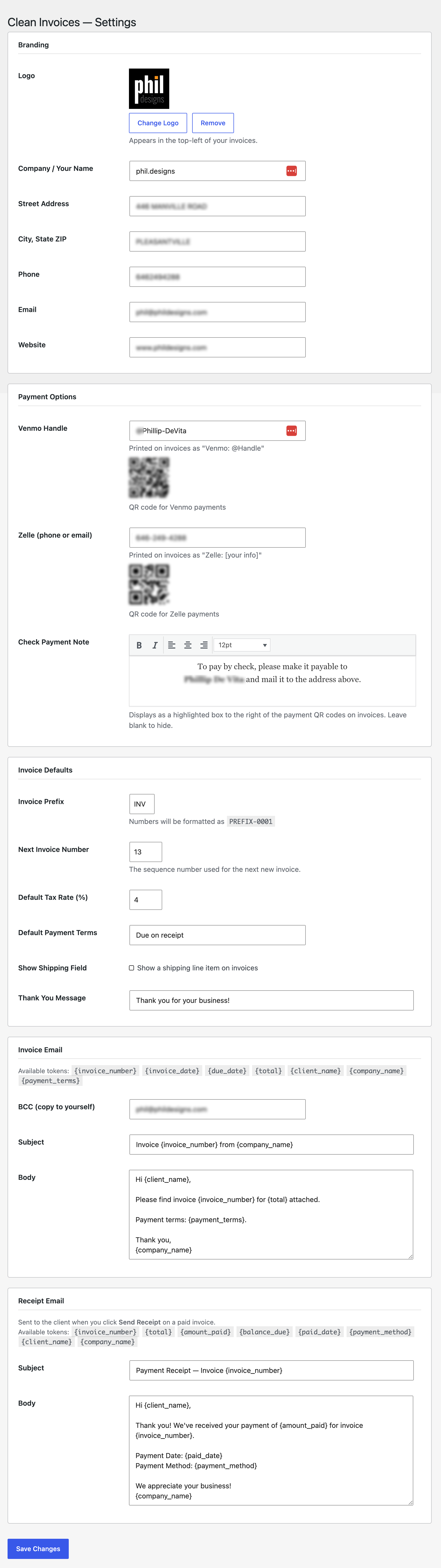
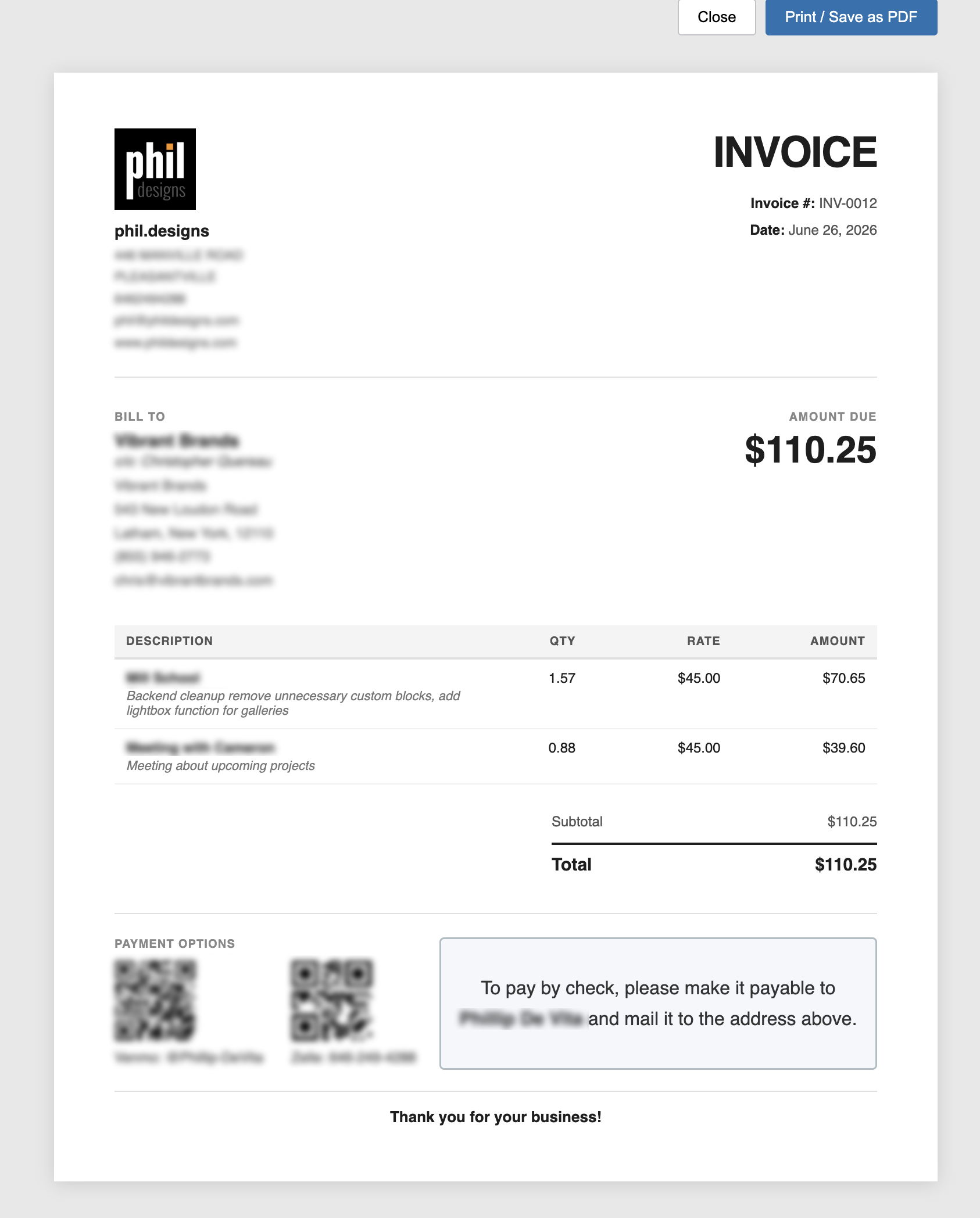
- Generate and preview PDFs, then email them straight to the client
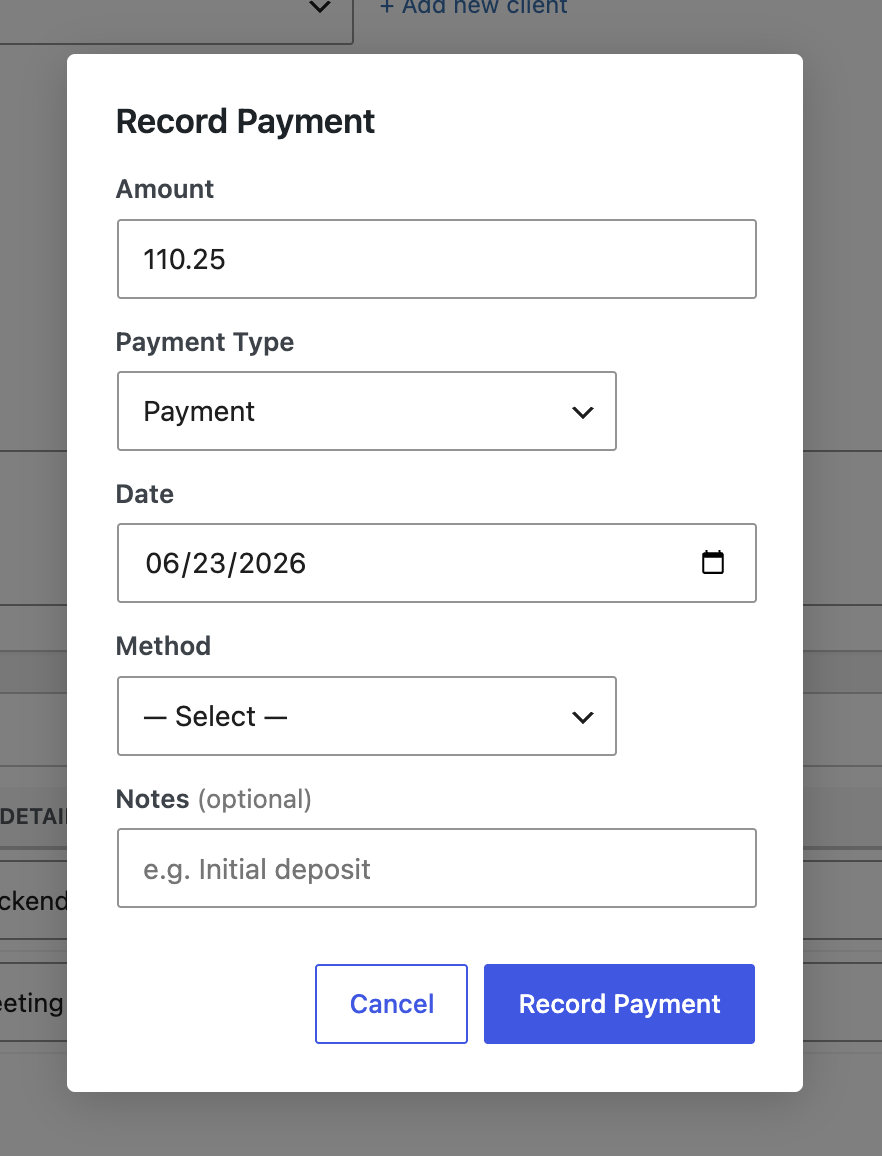
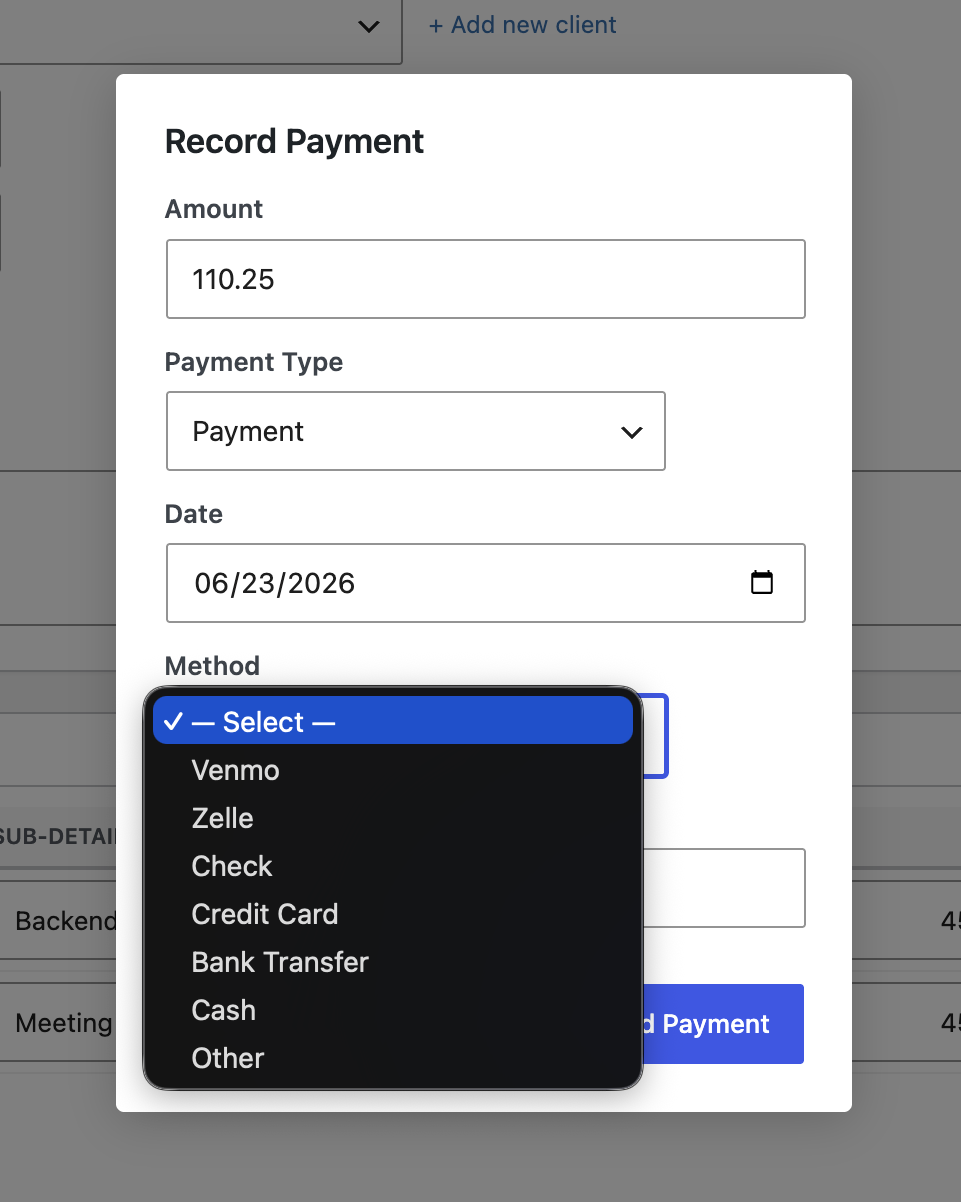
- Track partial payments and deposits, and send a receipt once an invoice is paid
- Run a built-in time tracker (including a quick-timer in the admin bar) and add logged hours directly to an invoice
- Switch individual line items between hourly and flat rate billing
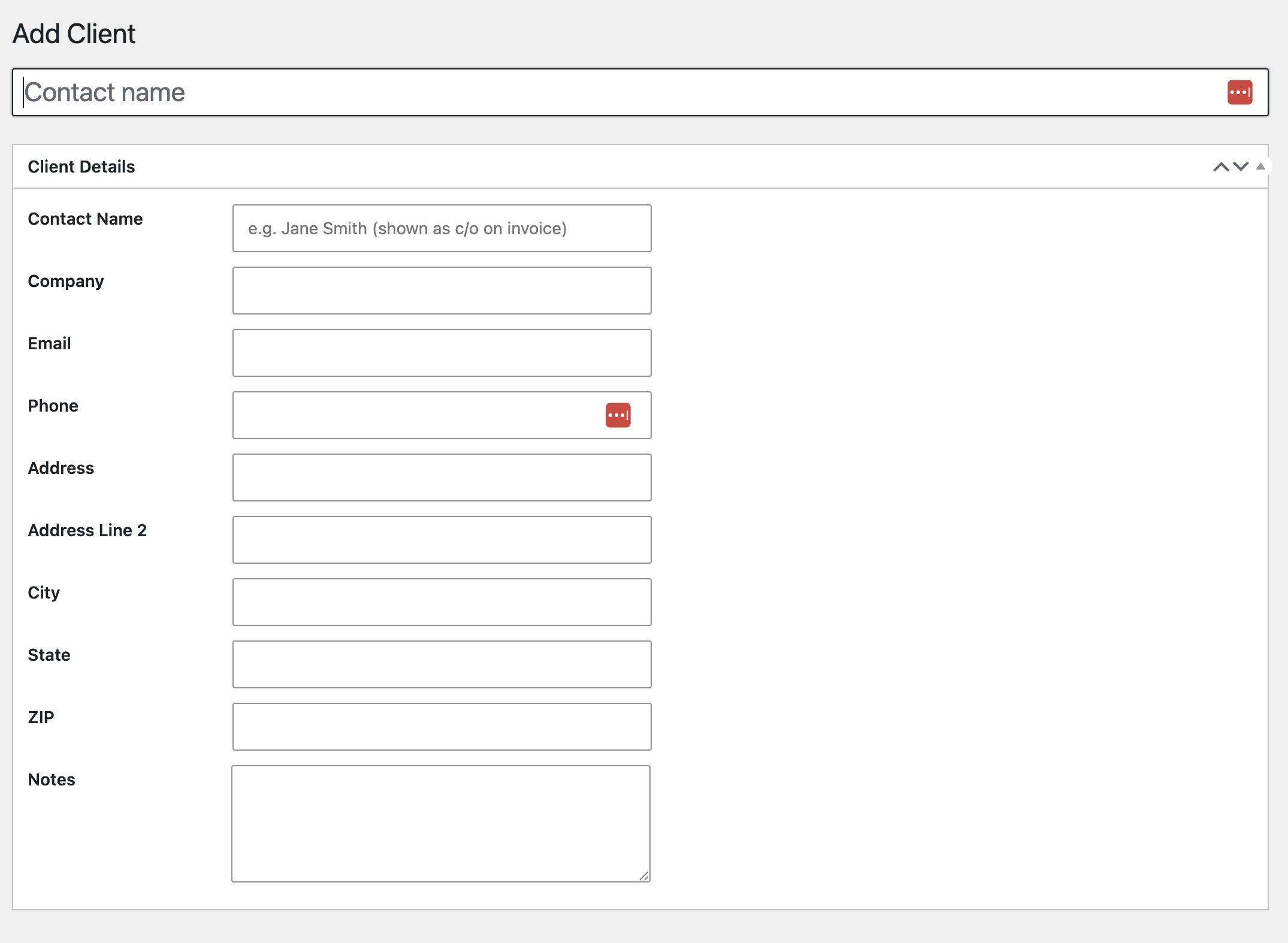
- Keep a client contact list with name, company, email, phone, and address, so you never have to dig through old invoices to find someone’s info again
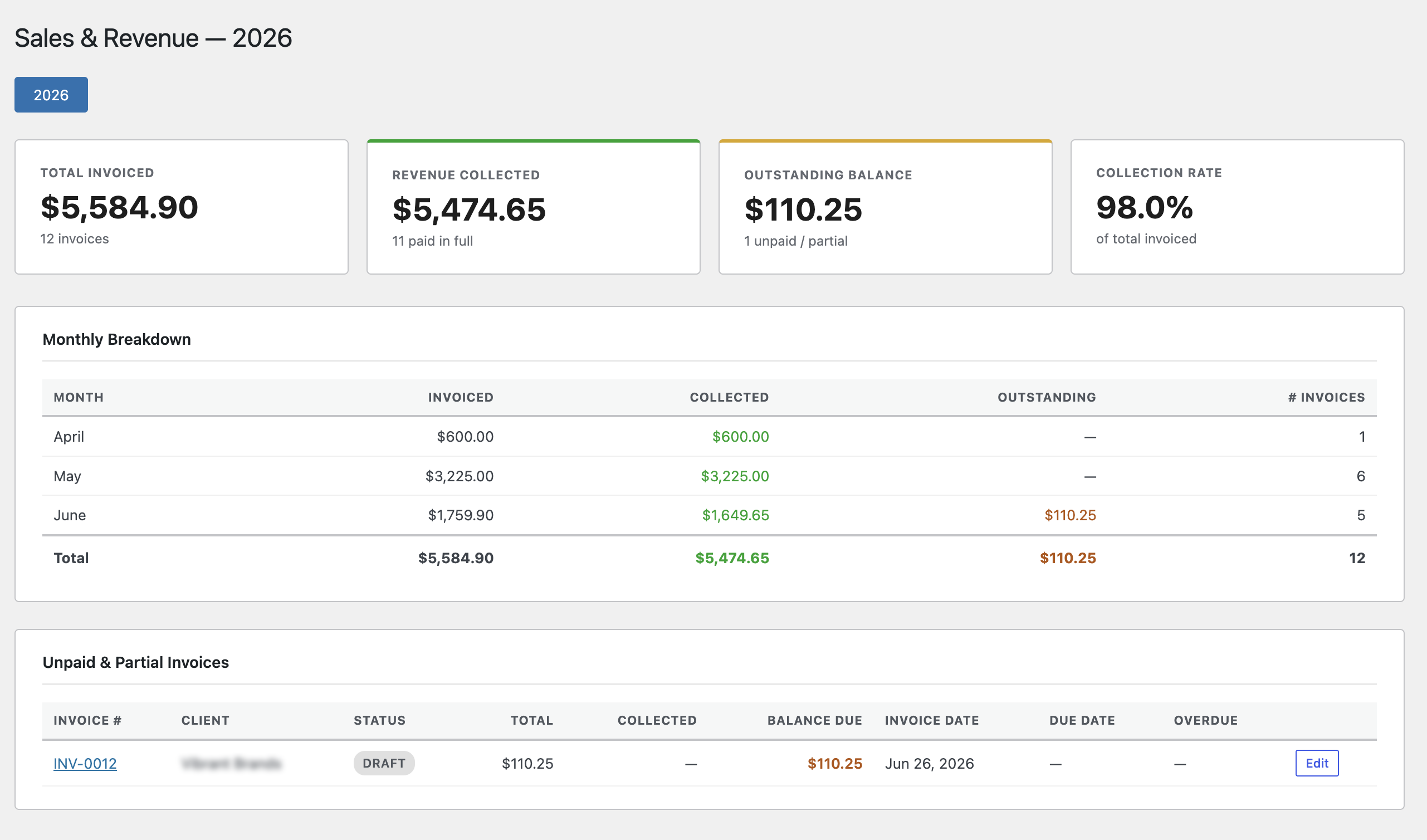
- Export everything to CSV and see a monthly revenue report, plus a dashboard widget for outstanding invoices and year-to-date totals
No third-party invoicing service, no separate time-tracking app, no spreadsheet with a formula only I understand. It’s all under one roof now, which is exactly what I needed when I started this thing.
Get it! The plugin is open source and free to use!
Download it off my GitHub Download it from WordPress
If you freelance and you’ve ever lost track of an invoice, a billable hour, or your own year-end total, this one’s for you. I built it for me first. Hopefully it saves you the spreadsheet headache too.
Have a feature request or found a bug? Let me know!