There’s a certain kind of tool you build not because you planned to, but because you got tired of the workaround.
For years, sharing a pre-launch website with a client meant a chain of emails with vague feedback like “the thing near the top” or “can we make that section pop more?” Getting useful, located feedback was a process: screenshots, numbered lists, teeny-tiny embedded images in Google docs, back-and-forth clarification. It worked, but just barely.
Then a colleague shared a short screen recording of an internal review tool his company built. Clients could load a URL, click anywhere on the page to drop a pin, write their comment right there on screen, and submit the whole thing as a report. Clean, visual, dead simple. I watched it and thought: that should be a WordPress plugin!
Turning an Idea Into a Plugin With Claude
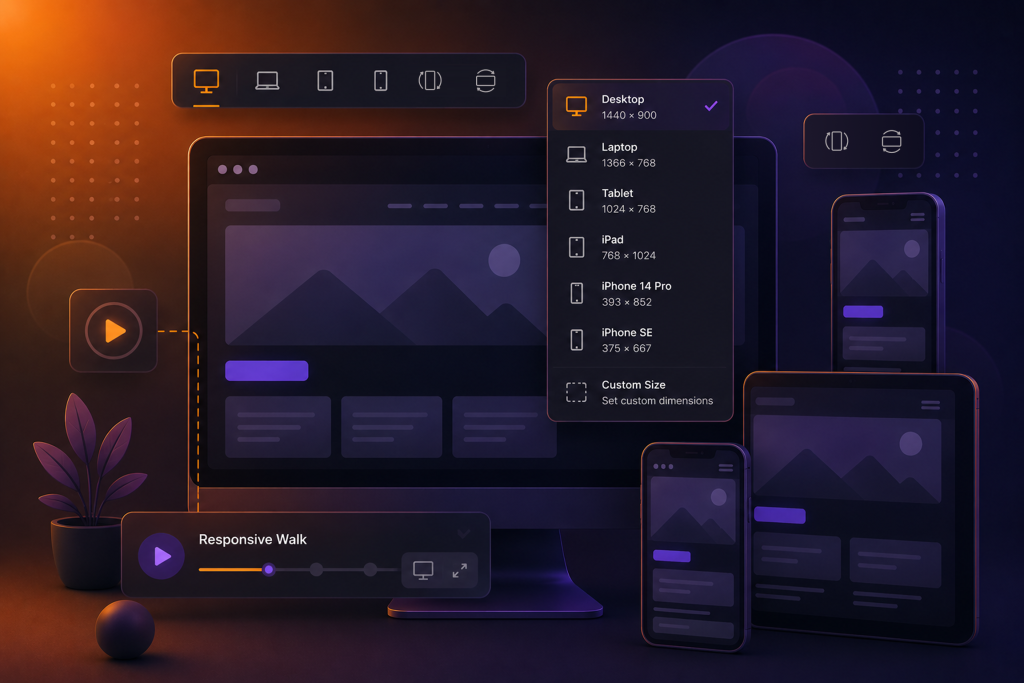
I’d already built Responsive Preview, a WordPress plugin that wraps your site in a device-switching shell so you can preview it at Desktop, Tablet, and Mobile widths. That gave me a structural foundation. But the annotation layer; pins, comments, a client-facing interface, an admin dashboard, invite links, email summaries; that was a full product’s worth of functionality.
This is where working with Claude changed the scope of what was possible in a single sitting.
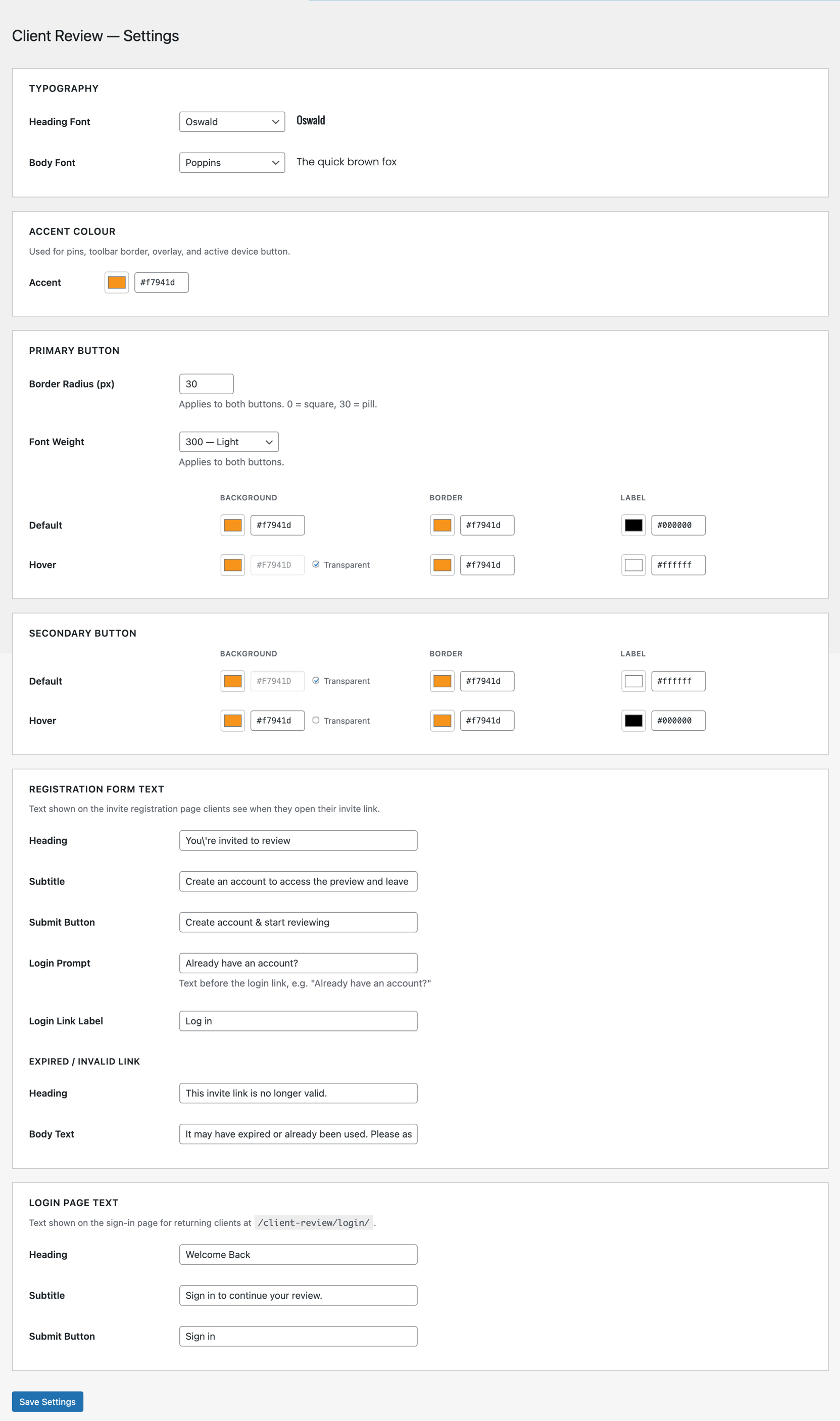
Rather than spec out the plugin in isolation and then start writing PHP from scratch, I described what I wanted conversationally: the client flow, the admin flow, what data needed to be stored, how the invite link system should work. Claude helped me think through the architecture two custom database tables, a dedicated `Client Reviewer` role locked out of wp-admin, a REST API for annotation CRUD, a reusable preview shell template; and then helped me build it.
What I didn’t expect was how much the back-and-forth improved the design. When I described wanting click-to-pin annotations, Claude flagged edge cases I hadn’t considered: What happens when the page scrolls after a pin is dropped? How should pin positions be stored relative to the page, not the viewport? Those conversations shaped decisions that made the plugin more solid.
What the Plugin Does
Client Review gives you a controlled, private preview environment for client feedback before a site goes live.
Here’s the flow:
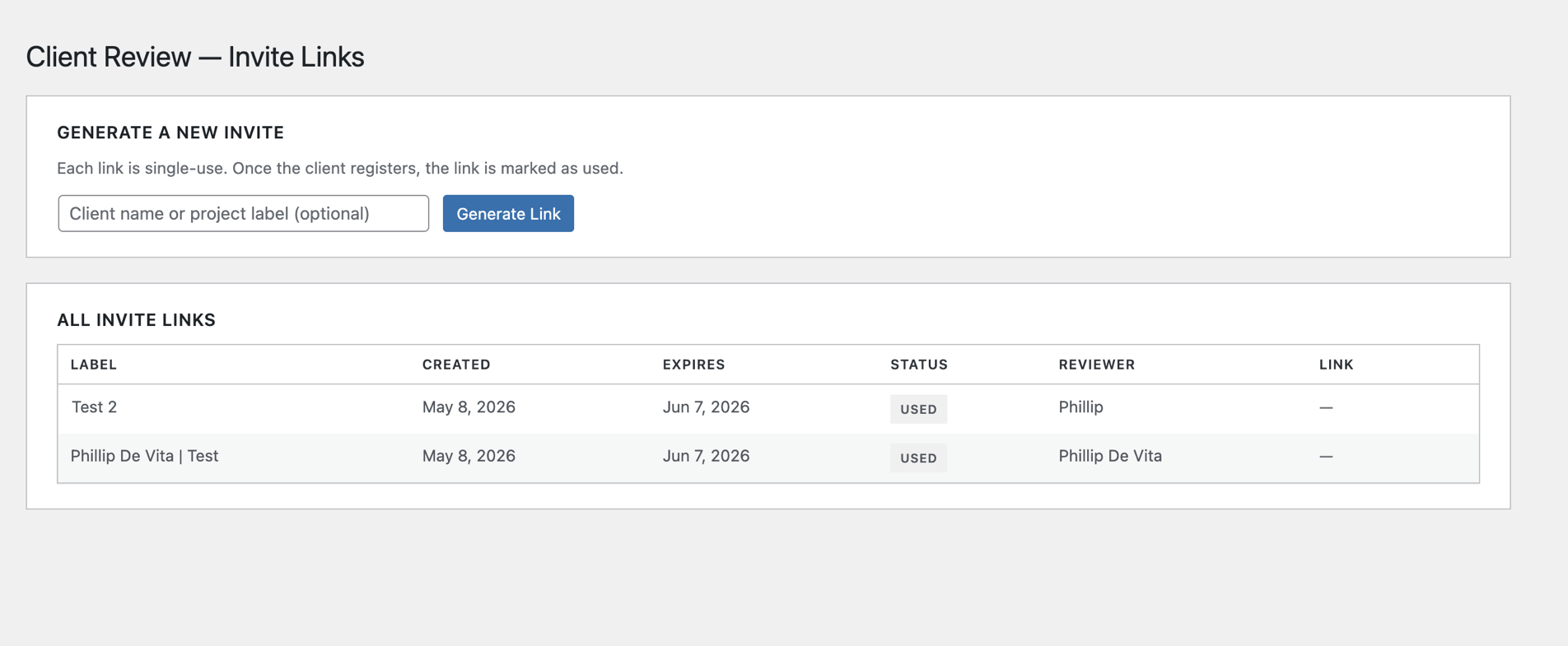
- You generate a single-use invite link from the WordPress admin and send it to your client.
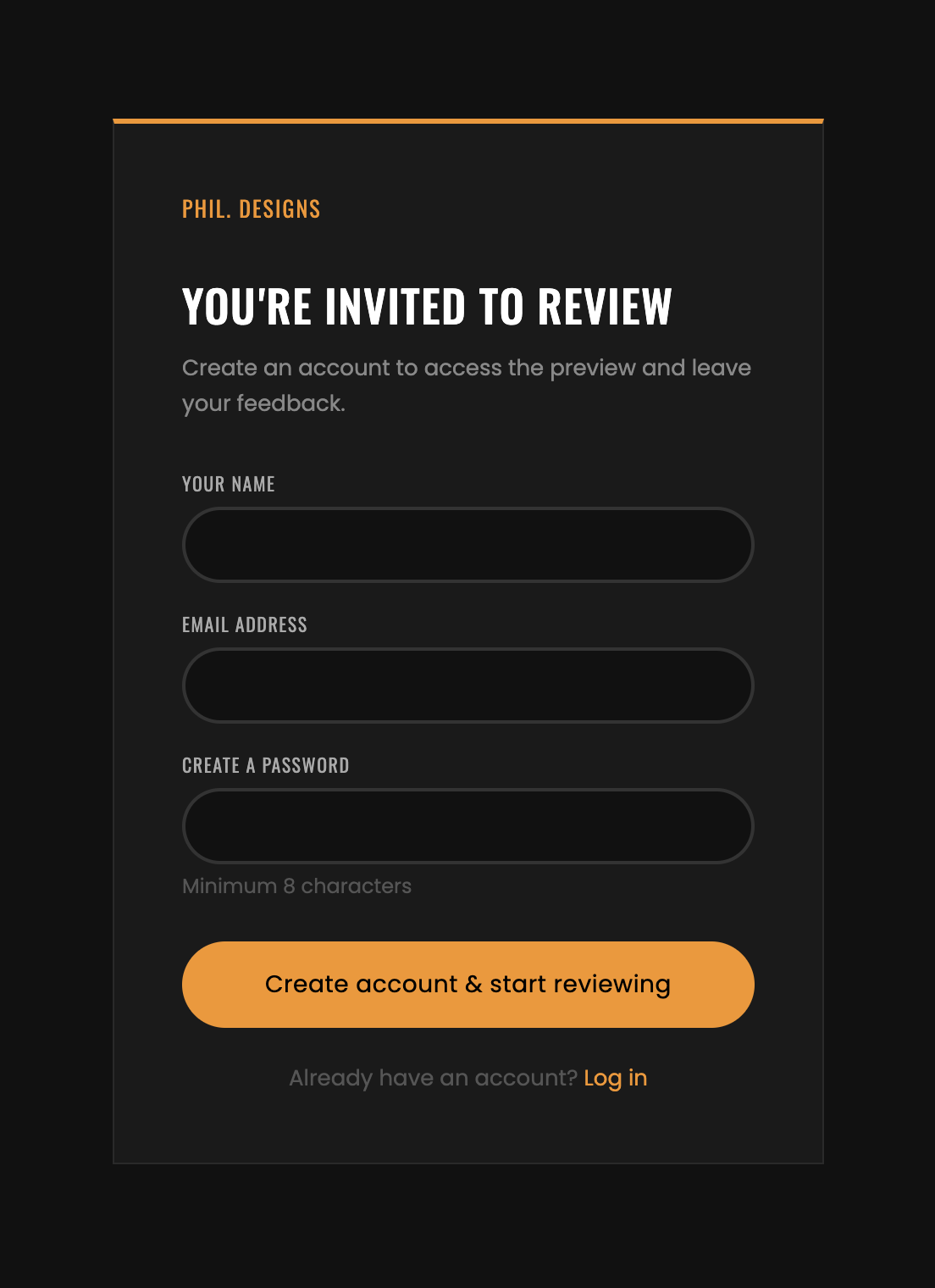
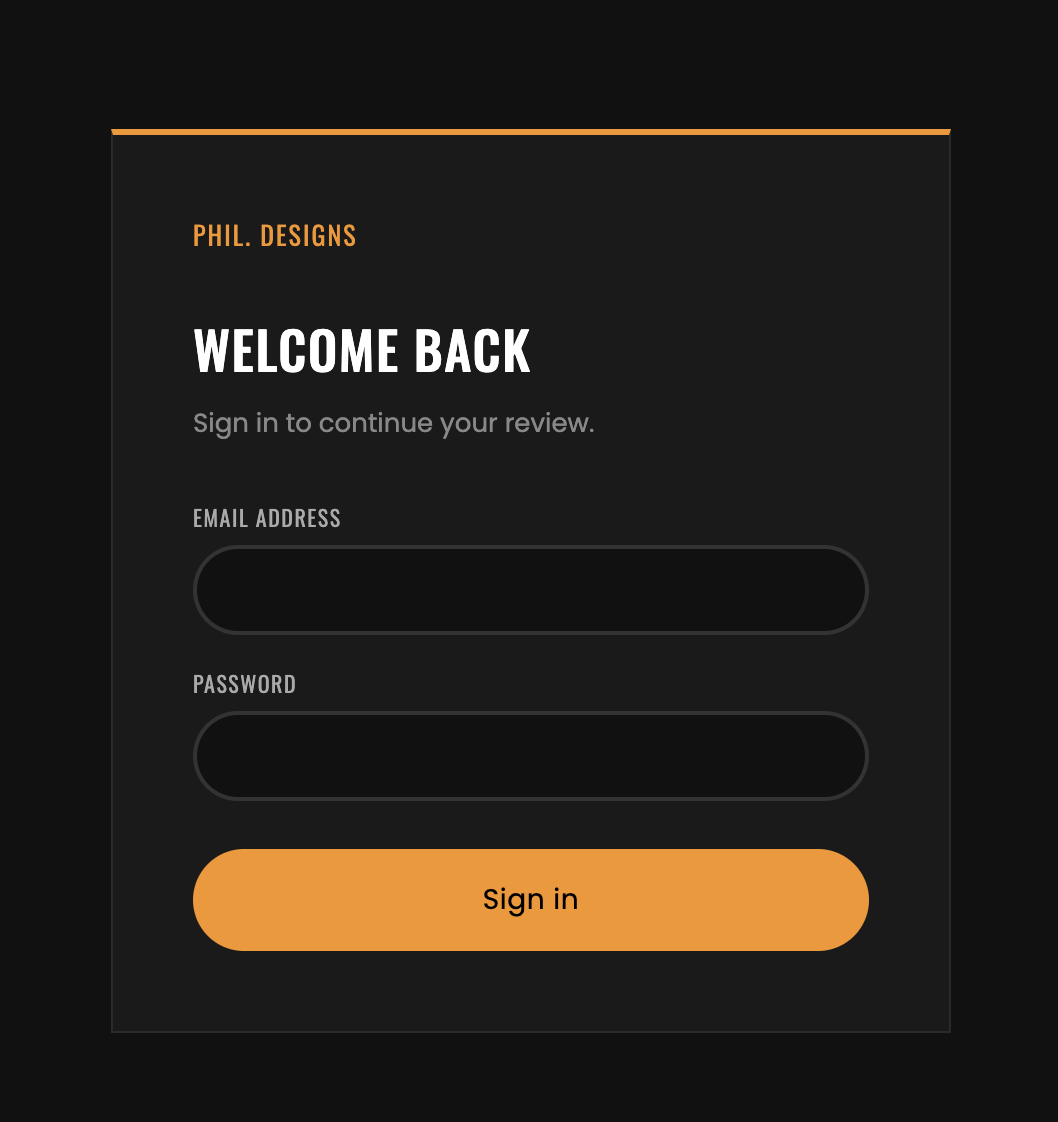
- They click the link, register with a name and email, and land in a full-screen preview shell.
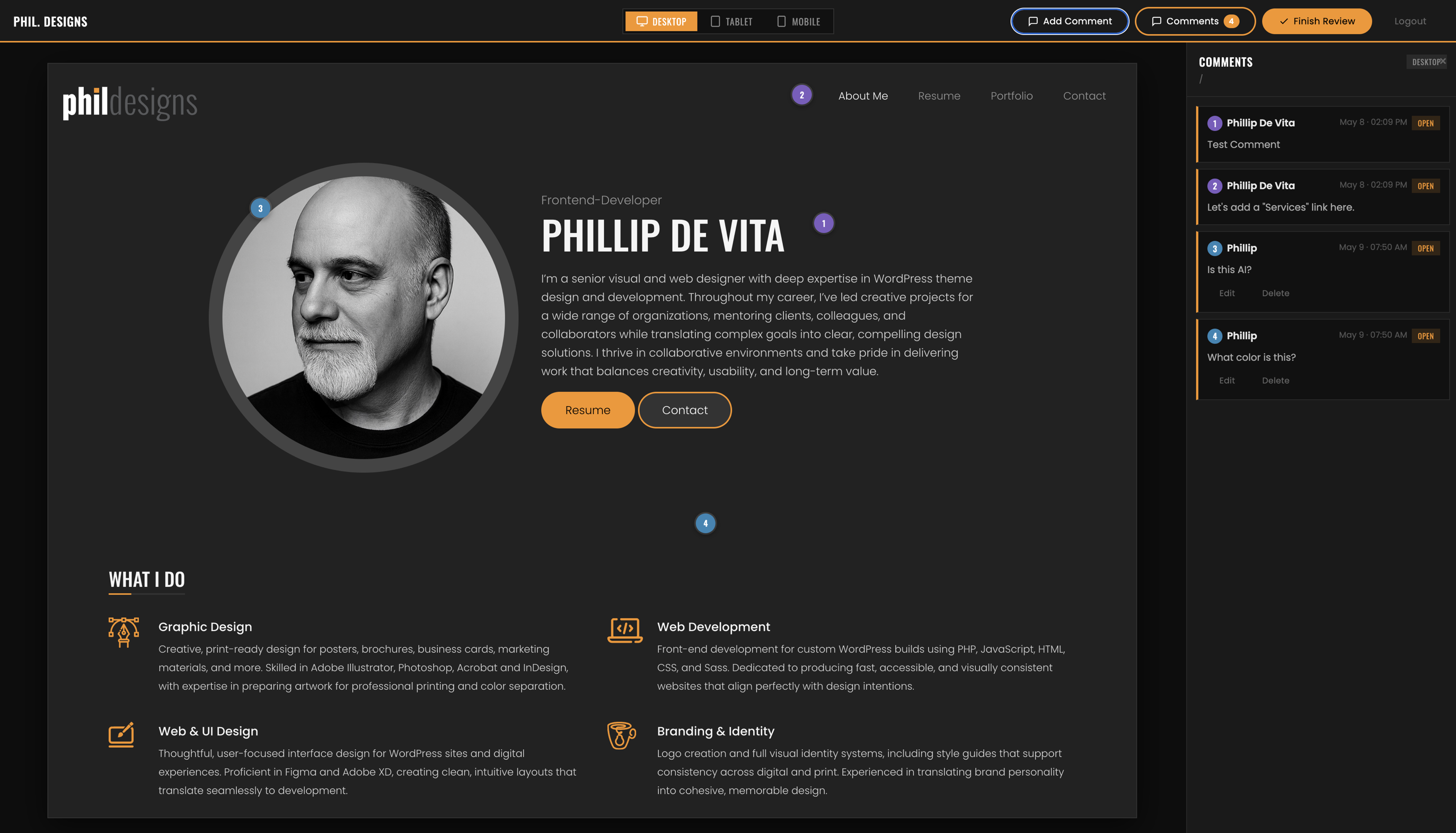
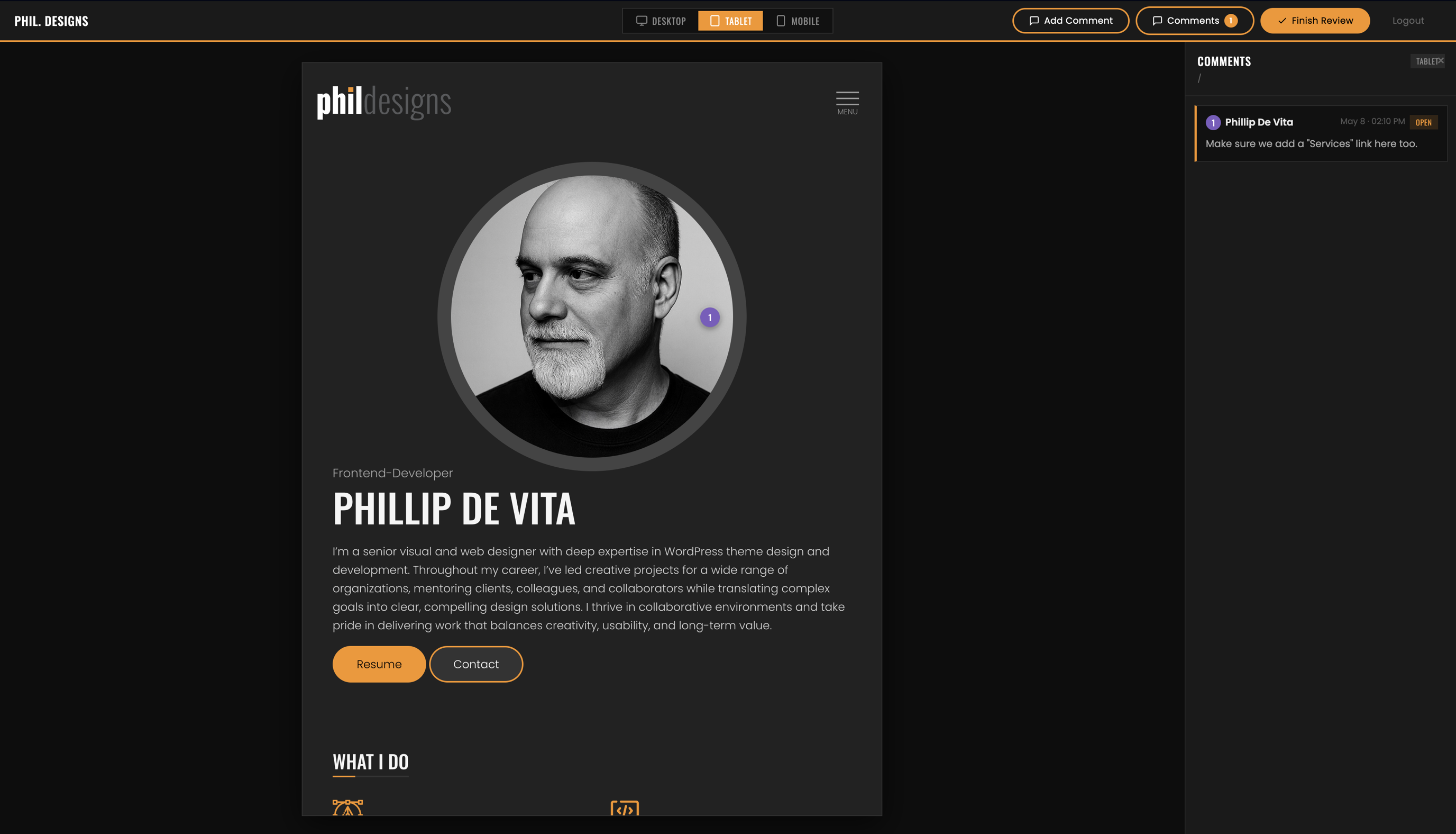
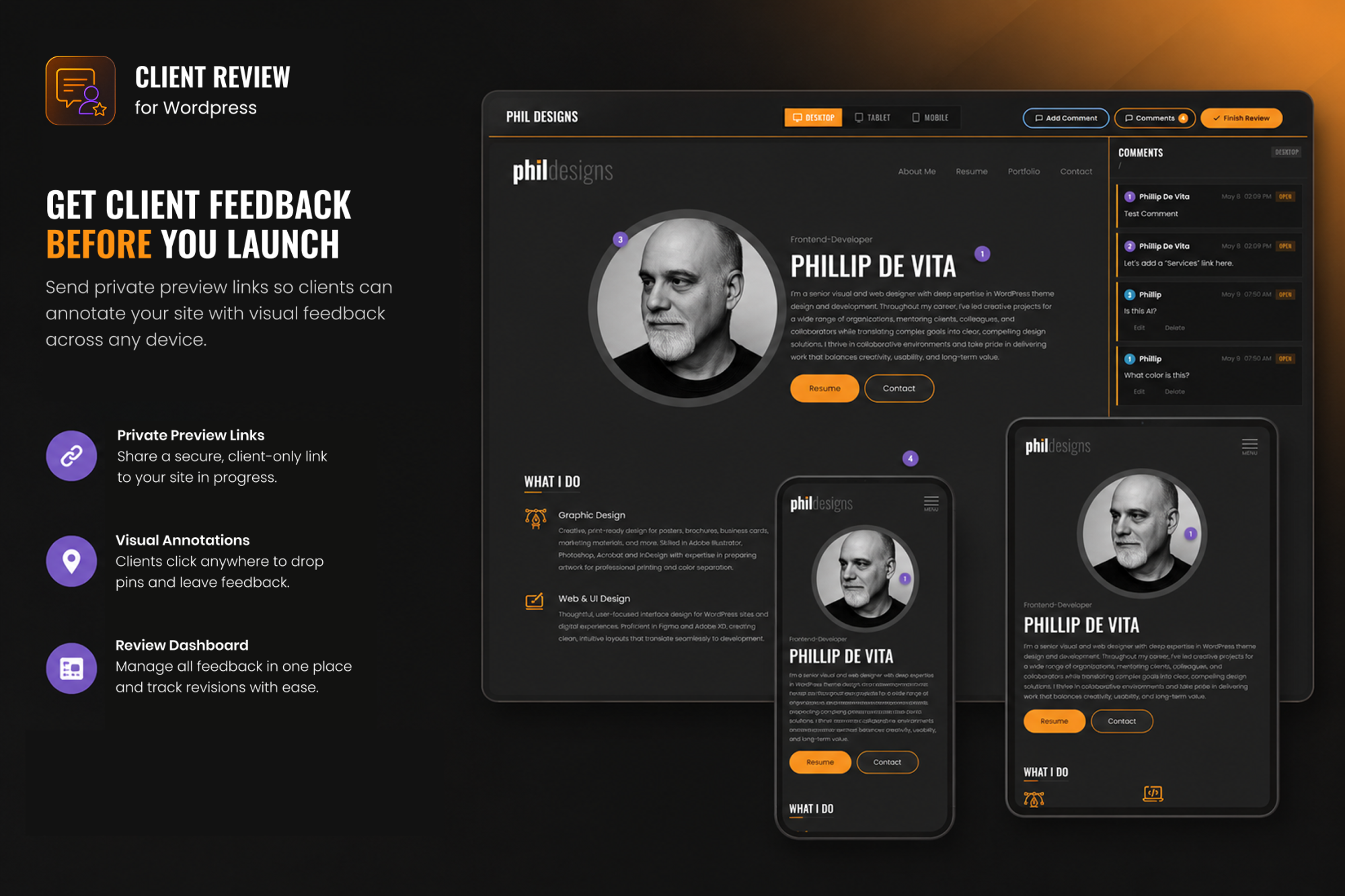
- Inside the shell, they can switch between Desktop (1440px), Tablet (768px), and Mobile (390px) viewports, navigate the site normally inside an iframe, and drop numbered pin annotations anywhere on any page.
- Comments are stored per page URL and per device size — so feedback on the mobile homepage stays separate from feedback on the desktop homepage.
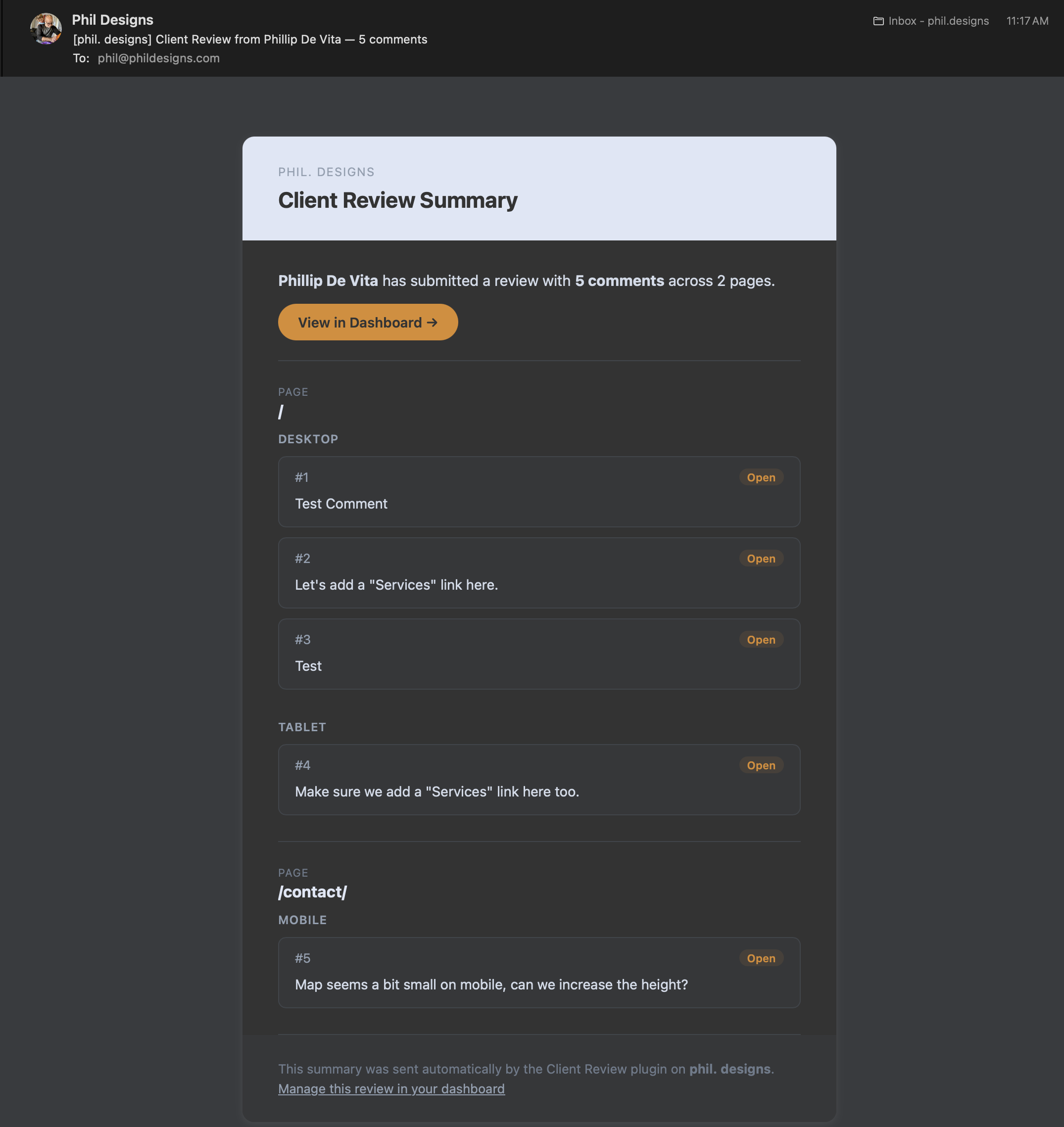
- When they’re done, they hit Finish Review and a formatted HTML email goes to the site admin with every comment grouped by page and device.
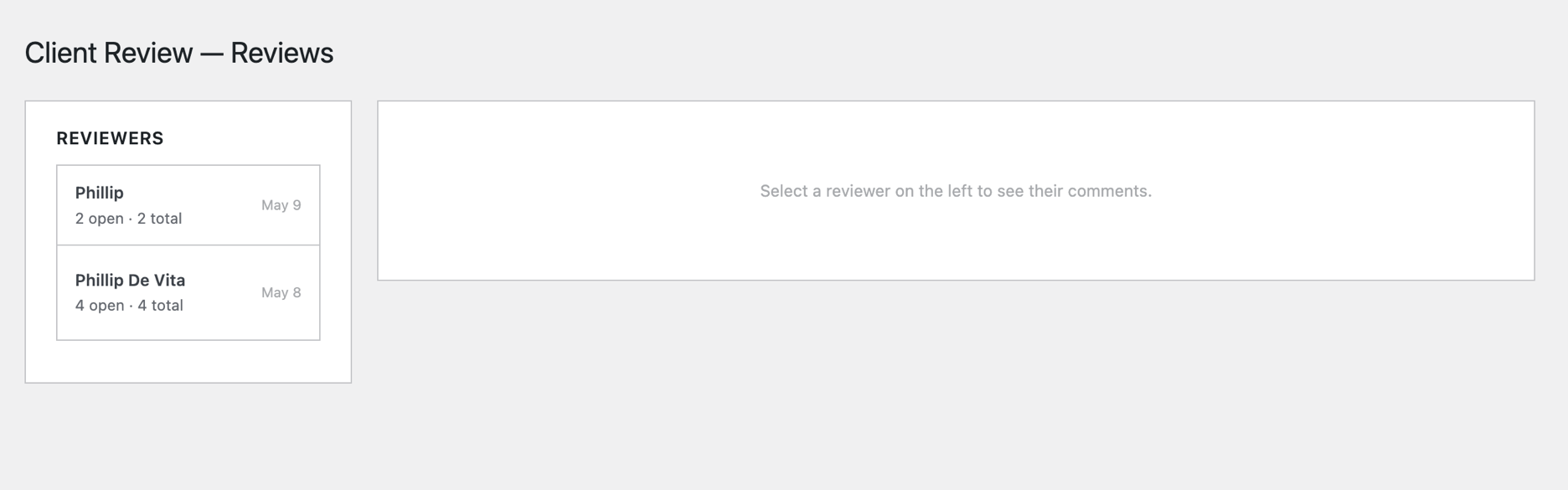
- In the admin dashboard, you can mark items Open, Done, or Needs Clarification, and leave response notes the client sees on their next login.
No third-party services. No SaaS subscription. Just a plugin that lives in your WordPress install and handles everything locally.

Phil’s Client Review WordPress plugin has been a lifesaver – my clients have loved using it as much as I have, and it has created new efficiency in my workflow I only dreamed of before. It is clear that he takes a thoughtful, expert approach to usability – both for the website owner and the end user. I highly recommend having him help you solve sticky problems in your business.
Adam Gronwald
Owner, Happy Design Co. | Spaceship Earth Coffee Company
AI as a Development Partner, Not a Shortcut
I want to be clear about what “built with AI” means here, because it’s easy to misread.
Claude didn’t generate the plugin and hand it to me. The process was closer to pair programming with someone who never gets tired and has read every PHP and WordPress API doc ever written. I made the product decisions. I reviewed every piece of code. I tested it across browsers, caught bugs, and iterated. Claude accelerated the parts of the work that would have otherwise taken the most time; boilerplate, database schema, REST endpoint setup, the JavaScript annotation layer etc. which freed me to focus on the parts that required judgment.
The result is a plugin I’m genuinely proud of and actually use. That’s the bar I hold any tool to, AI-assisted or not.
Get it! The plugin is open source and free to use!
Download it off my GitHub Download it from WordPress
If you manage client WordPress projects and have felt that friction around pre-launch feedback, give it a try. I’d be curious what you think.
Have a feature request or found a bug? Let me know!